


Your Money, Wherever You Are

Use your Lake City Bank Visa® debit card anywhere Visa is accepted — for purchases, withdrawals, transfers, and more. Because purchases are pulled directly from your checking account, it’s important to understand how your account handles transactions, including overdrafts. Learn more about how overdrafts work with your checking account.

Enjoy the benefits of a Lake City Bank Visa® debit card.

Carry Less, Do More with a Digital Wallet

Prefer to streamline to less cards? Now you can add your debit card to a Digital Wallet and pay right from your phone.

Round Up to Save or Give

Make purchases count more with SpendSave. You can automatically round up transactions to either boost your savings account or support a verified charity* of your choice.

*Fees apply for SpendSave for Impact donations. Refer to Lake City Bank’s SpendSave Product Disclosure for more information.

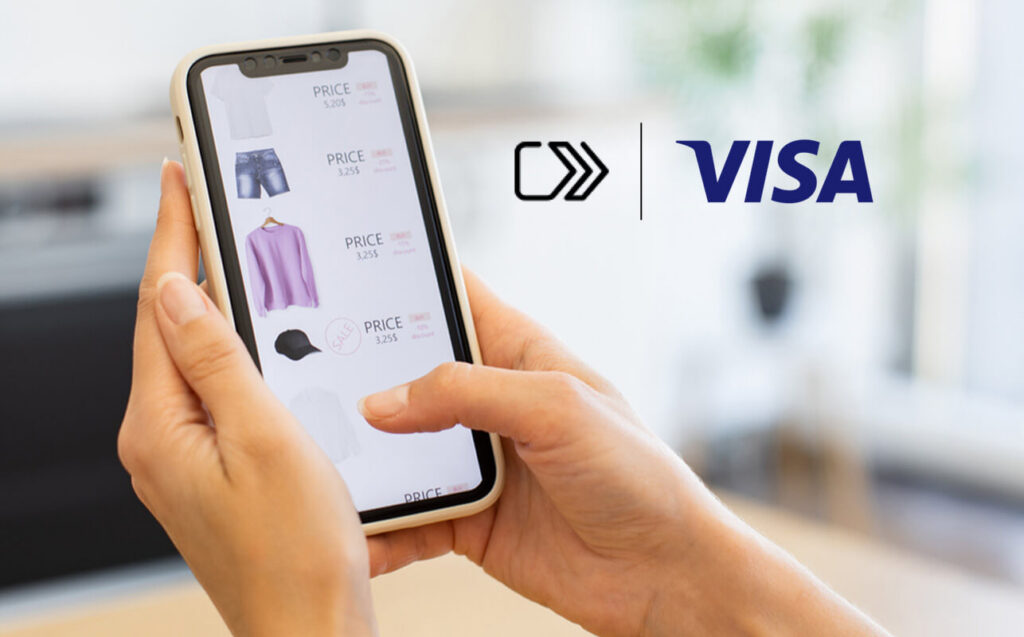
Visa Click to Pay

Shop online quickly and securely with your Lake City Bank Visa. Wherever you see the Click to Pay icon, check out without entering card details or filling out forms.

Why you’ll love it

  • Easy — Save time at checkout with just a few clicks.
  • Smart — Use it anywhere you see the Click to Pay icon and Visa debit is accepted.
  • Secure — Visa’s advanced security helps protect your payment information every time you shop.

Questions? If you have questions about Visa Click to Pay or how to use it, check out these FAQs, call our One Call Center at (888) 522‑2265 or drop in one of our branch locations.

Card Controls

Manage your cards easily

Lost your debit card or noticed unusual activity? Card Controls is a feature of our Lake City Bank Digital app that allows you to turn your debit card on and off in seconds with a simple tap — no need to call the bank for immediate control.

You can quickly turn your card off to help prevent unauthorized transactions. However, if you suspect fraud, you should still contact the bank right away to close your card and request a replacement.

Set restrictions and alerts for your debit card by activity

  • Transaction amount
  • Transaction type, like eCommerce, ATM and in-store
  • Merchant type, like gas stations, restaurants and grocery stores
  • Geography, like regions in which you normally use your card and international transactions

To enroll

  • Log in to the Lake City Bank Digital app. If you don’t currently use Lake City Bank Digital, you can learn more about how to sign up here.
  • Tap Card Controls in the Account Services menu. This will pull up our Card Controls app in your phone’s app store.
  • Download the Card Controls app, then go back to the Lake City Bank Digital app and tap Card Controls again. This will open the Card Controls app.
  • Tap Get Started.
  • Enter your card information to add your card.
  • Verify your identity.

To set up controls and alerts

  • Log in to the Lake City Bank Digital app.
  • Tap Card Controls in the Account Services menu. This will pull up our Card Controls app.
  • Follow the steps above to enroll your card(s) if you haven’t already.
  • Tap “Controls and Alerts” under the card you want alerts about.
  • A list of control and alert options will appear. Tap on options within the list to customize your controls and alerts.

Questions or concerns? Call our One Call Center at (888) 522‑2265 or drop in one of our branch locations.

Meet Your Local Banker

We’d love to talk to you one-on-one.

Find a Branch Near You

Banking Tips & Insights

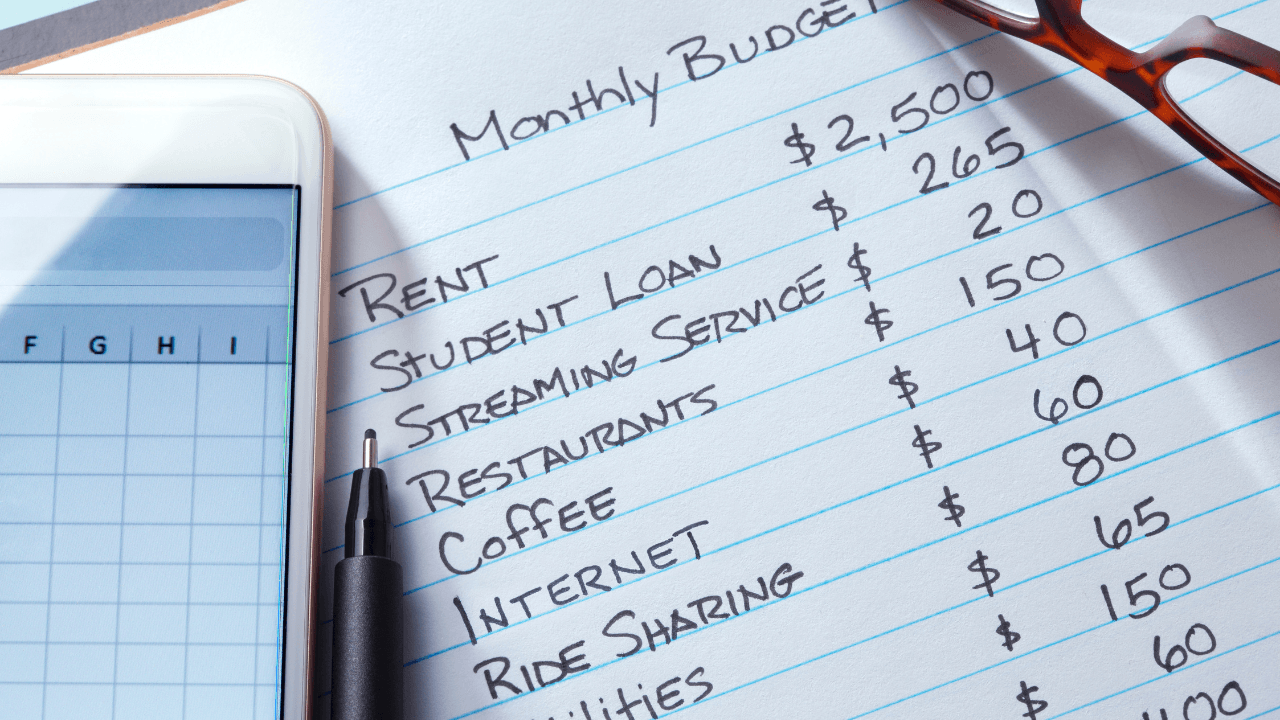
Practical Budgeting Methods That Actually Work

For many of us, creating a budget is the easy part. The hard part is sticking to a plan over the long term. Understanding your habits, strengths, and weaknesses can help you choose budgeting strategies that you’ll actually stick with.