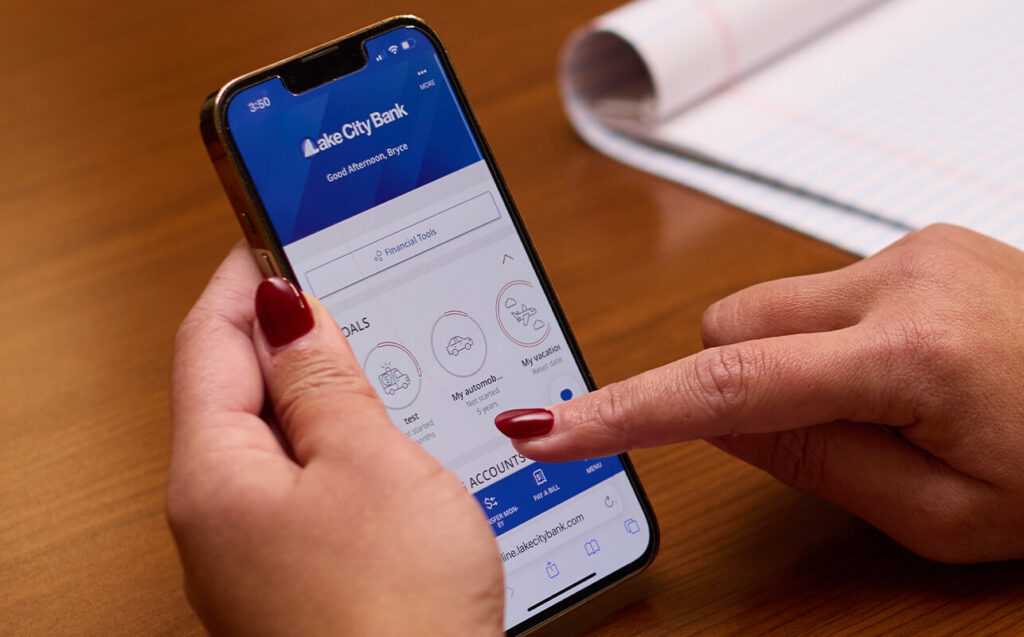
With Lake City Bank Digital, you can:

  • Deposit checks
  • View accounts
  • Set alerts that keep you up to date on your accounts and help you detect fraud
  • Pay bills and transfer money
  • Use Card Controls to set alerts, restrictions and turn your debit card off and on*
  • Pay people with Zelle®

Lake City Bank Digital FAQ

*If you’re turning your debit card off because of fraud, you’ll still need to call the bank to close that card and order a new one. Turning your card off in Card Controls only prevents the card from being used while it’s turned off.

Mobile App

Access your accounts from any device, any time. Download from the Apple® App Store  or  Google  Play Store.

Explore Mobile App

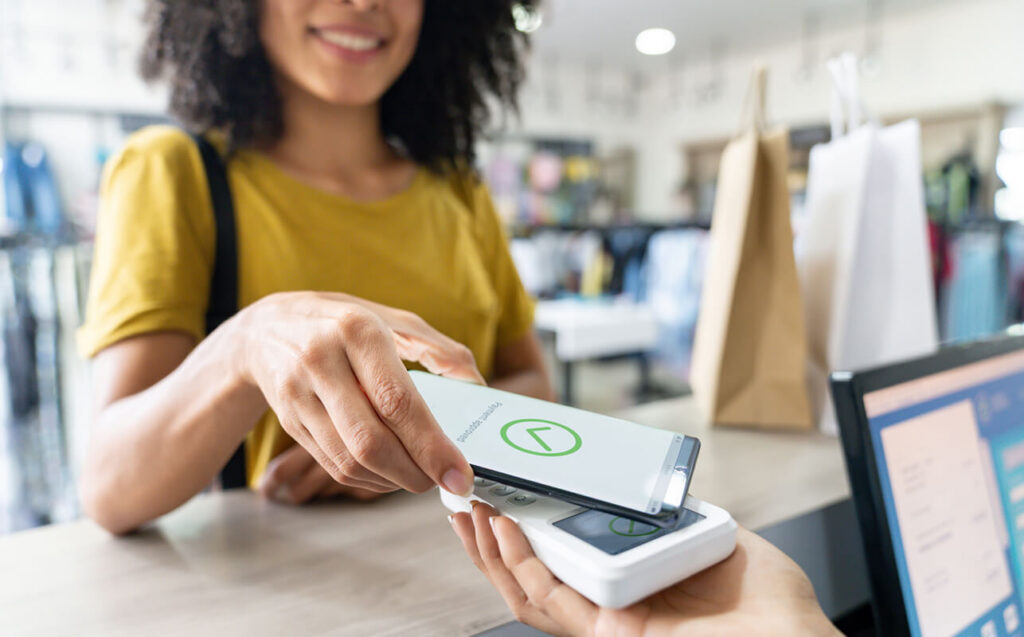
Digital Wallet

A digital wallet is a secure, electronic version of your physical wallet, storing your card and payment details right on your mobile device. It makes payments faster and more secure, both in-person and online.

Explore Digital Wallet

My Toolkit

We know that managing your financial life extends beyond just banking. That’s why we’ve created My Toolkit — a solutions hub within Lake City Bank Digital where you can access tools and services designed to simplify your life including:

  • Intuit TurboTax®: Trusted tax preparation and filing at a discount
  • Experian® IDnotify®: Identity protection, credit education and more
  • Autobooks: Business invoicing, payments and accounting
  • FamZoo: Prepaid debit cards for kids and teens
Explore My Toolkit

Goals

Turn “someday” into today with Goals. Set what you’re saving for, track your progress, and get coaching along the way — so reaching your goals feels simple and achievable.

Ready to Set a Goal? It’s Simple!

  1. Choose a goal category and give your goal a name.
  2. Enter the amount you need to save and the date you need to save it by.
  3. Goals calculates how much you need to save each week or month to hit your goal and helps you set up an automatic transfer to make sure it happens.

Moving Money into a Goal

When you move money into your goal, it leaves your checking or savings account so you aren’t tempted to spend it. Don’t worry — you can move the money back and use it in an emergency.

Coaching All the Way

Keep track of progress for all your goals on the Lake City Bank Digital home page. If you start to fall behind, Goals will let you know and recommend how to catch up or adjust your goal to make it achievable.

With coaching like this, hitting your goals has never looked (or felt) so easy.

Goals FAQ

*Goals, as referred to herein, constitute the Goals Account described in Section E Investment Accounts of the Personal Account Terms and Conditions.

SpendSave

Everyday purchases can help you save or give back. With SpendSave, your Visa debit card transactions are rounded up to the nearest whole dollar, and the change goes straight into your Lake City Bank savings account — or to a verified charity* of your choice.

SpendSave for Savings Your roundups go into your Lake City Bank savings account. Build up your emergency fund or save for something special — without changing your daily routine.

SpendSave for Impact* Your roundups are donated to a verified charity of your choice. Make a difference in your community or support a cause you care about.

Do Both* Prefer a mix of saving and giving? Split your roundups between SpendSave for Savings and SpendSave for Impact.

Why use SpendSave?

  • Make real progress automatically
    Whether you’re building savings or giving back, SpendSave helps you make consistent progress with every purchase.
  • Turn everyday spending into something meaningful
    You’re already using your debit card — why not put that spare change to work?
  • Flexible and fully in your control
    Choose how you use SpendSave and update your preferences anytime in Lake City Bank Digital.

Log in to Lake City Bank Digital, click SpendSave on the menu, and activate your roundups.

*Fees apply for SpendSave for Impact donations. Refer to Lake City Bank’s SpendSave Product Disclosure for more information.

SpendSave for Savings FAQ

Getting Started

What is SpendSave?

SpendSave is an easy way to grow your savings without thinking about it. Every time you make a purchase with your Lake City Bank Visa debit card, the total is rounded up to the nearest whole dollar. The spare change is then automatically transferred to your linked Lake City Bank savings account.

How does it work?

If you spend $4.25 on lunch, SpendSave will create a transfer for the amount based on the difference to the nearest dollar. The extra $0.75 will be moved from your checking account to your selected savings account once the transaction posts and clears.

Which accounts are eligible for SpendSave?

SpendSave works with eligible Lake City Bank personal checking accounts linked to a personal savings account. Estate Checking, Restricted Checking, Personal DIP Checking, Health Savings Accounts, and business accounts are not eligible. You must have a Lake City Bank Visa debit card tied to your eligible Lake City Bank personal checking account.

Do I need Lake City Bank Digital to use SpendSave?

Yes. SpendSave is only available through Lake City Bank Digital.

Can I use SpendSave with joint accounts?

If you’re using a joint checking account, both account holders may see roundup transactions. Only one person needs to enroll, and settings will apply to all debit card transactions from that account.

Enrollment & Setup

How do I enroll in SpendSave?

  • Log in to Lake City Bank Digital.
  • Navigate to SpendSave on the menu.
  • Follow the on-screen prompts to register, select your Lake City Bank checking and savings accounts, and choose your roundup preferences.
  • You’re all set — future debit card purchases will begin rounding up!

Can I split my roundup between savings and donations?

Yes. You can choose to split your roundup between your savings and a verified charity. You’ll be able to set your preferred split in 10% increments (e.g., 70% to savings, 30% to charity).

What if the roundup amount doesn’t split evenly?

If the roundup can’t be split evenly between savings and charity, the extra penny will go to your savings account.

Can I change how I round up?

Absolutely. You can update your settings, including how you split roundups between saving and giving, within Lake City Bank Digital.

Can I choose which purchases to round up?

Not at this time. All eligible debit card transactions are included automatically. You can always turn the feature off or adjust how much of each roundup goes to savings or charity.

Can I set up a maximum round-up amount per transaction?

Currently, roundups are limited to the amount needed to reach the next whole dollar. For example, if you spend $3.90, only $0.10 will be rounded up. There is no option to customize round-up per transaction, but you can set donation limits within SpendSave for Impact.

Roundups & Transactions

Does SpendSave round up every transaction?

Yes, all debit card purchases will be rounded up — whether they’re in-store or online — unless they are pending or excluded for another reason (e.g., ATM withdrawals).

What types of transactions are eligible?

Only settled debit card purchases are eligible. ATM withdrawals, deposits, and balance inquiries are not eligible for roundups.

When are roundup transfers made?

Roundup amounts are transferred after your debit card transactions post and clear—usually within 24 hours.

What happens if I return a purchase?

If you return a purchase, the original roundup will not be reversed. However, it won’t generate another roundup when the return is processed.

What happens if I don’t have enough money in my account to cover the roundup?

If your balance is too low, the roundup transfer won’t happen. If you’ve chosen to split your roundup, the savings portion takes priority. Transfers will resume the next day once funds are available.

Will I see individual roundup transactions in my account history?

Roundups are combined and transferred as separate transactions. You’ll see these as single line items in your transaction history, not itemized by each purchase.

Managing Your SpendSave Settings

How do I turn off SpendSave?

You can disable the feature anytime:

  • Log in to Lake City Bank Digital
  • Navigate to SpendSave on the menu.
  • Go to Settings
  • Turn off Roundups
  • Confirm you want to turn off roundups
  • Future purchases will no longer round up.

Is there a limit to how much I can save with SpendSave?

There’s no cap on how much you can save. Your savings grow based on how often you use your debit card and the roundup amounts from each purchase.

SpendSave for Impact/Charity

SpendSave for Impact/Charity FAQ

Getting Started

What is SpendSave for Impact/Charity?

SpendSave for Impact lets you support a cause you care about every time you make a purchase. Your Lake City Bank Visa debit card transactions are rounded up to the nearest dollar, and the extra change is donated to a verified charity you choose.

Can I donate to any charity?

You can choose from a list of IRS-qualified charities available within Lake City Bank Digital. If your favorite cause isn’t listed, it may not currently be part of our donation platform.

Where can I find the list of charities?

A full list of available charities and causes can be found in the SpendSave for Impact section of Lake City Bank Digital.

How can I be sure I’m donating to the correct charity?

You can search by the charity’s name or EIN (Employer Identification Number) within Lake City Bank Digital to ensure you’re selecting the right organization.

How do donations work?

After your roundup posts and clears, the amount is collected and processed by our charitable giving partner. Donations are distributed monthly to the charities.

Enrollment & Setup

How do I enroll in SpendSave for Impact?

  • Log in to Lake City Bank Digital.
  • Navigate to SpendSave on the menu.
  • Follow the on-screen prompts to register and select your Lake City Bank checking and savings accounts.
  • Follow the on-screen prompts to learn how to donate.
  • Select your verified charity.
  • Choose how to divide the round up between charity and savings and click Turn On My Impact.
  • You’re all set—future debit card purchases will begin making an impact!

Can I set a limit on donations?

Yes. You can choose a weekly or monthly donation limit when you enroll in SpendSave for Impact.

Can I change the charity I donate to?

Yes. You can change your charity selection at any time within Lake City Bank Digital.

Roundups & Transactions

When does the charity receive my donation?

After your roundup donation is processed, it can take up to 45 days for the funds to be received by the charity.

Is there a minimum donation amount?

Some charities may require a minimum total before a donation is processed. In most cases, your roundups are accumulated until the threshold is met and then donated.

Do I get a donation receipt?

Yes. Monthly donation receipts are available in Lake City Bank Digital by the 5th business day of each month.

Are my donations tax-deductible?

Yes, donations made through SpendSave for Impact are generally tax-deductible. You’ll receive monthly receipts and annual donation summaries for your records, but we recommend consulting a tax advisor for guidance on deducting charitable contributions.

Why is there a fee when I donate?

A small processing fee helps securely transfer your donation to the charity. The fee is automatically deducted from the roundup amount. The fee for roundup donations within Lake City Bank Digital is significantly lower than industry average (2.05% in Lake City Bank Digital compared to 5-8% on most online donation platforms).


Managing Your SpendSave Settings

Do you share my personal information with the charity?

Your donation details may be shared with charities you support only if you opt-in to share it with the charity. You can opt-in to share your information in the SpendSave for Impact settings.

Can I stay anonymous when donating?

Yes. When you enroll in SpendSave for Impact, you can choose whether or not to share your name and contact information with the charity you support.

How secure is my donation information?

All donation transactions are processed securely, and your personal and financial information is protected. We only share necessary donor information with charities when you choose to do so.

How do I turn off SpendSave for Impact?

You can disable the feature anytime:

  • Log in to Lake City Bank Digital
  • Navigate to SpendSave on the menu.
  • Go to Settings
  • Turn off Roundups
  • Confirm you want to turn off roundups
  • Future purchases will no longer round up for donations.

SpendSave Basics & Account Details FAQ

What happens if my checking or savings account is closed?

If either your enrolled checking or linked savings account is closed, SpendSave transfers will stop.

If I get a new debit card, do I have to re-enroll in SpendSave?

No. If your debit card is lost or replaced, your SpendSave settings stay active. Roundups will resume once your new card is issued and activated.

Do I need to re-enroll if I open a new checking account?

Yes. If you open a new eligible personal checking account, you’ll need to enroll that new account in SpendSave manually through Lake City Bank Digital.

What if my debit card is used fraudulently — will the roundup be refunded too?

Roundups are processed as separate transfers, not part of the card transaction itself. If you see a fraudulent purchase, you’ll need to dispute the original transaction. If you believe a roundup transfer was also impacted, you can contact us to review it separately.

Does SpendSave affect FDIC insurance?

No. SpendSave has no impact on your FDIC coverage. Your funds in Lake City Bank personal checking and savings accounts remain insured as usual.

Linked Accounts

Manage your full financial picture in one place. You can link all your accounts, even the ones that are at other financial institutions, and see balance and transaction details for those accounts. Why go to multiple apps when you can see it all in one?

Financial Tools

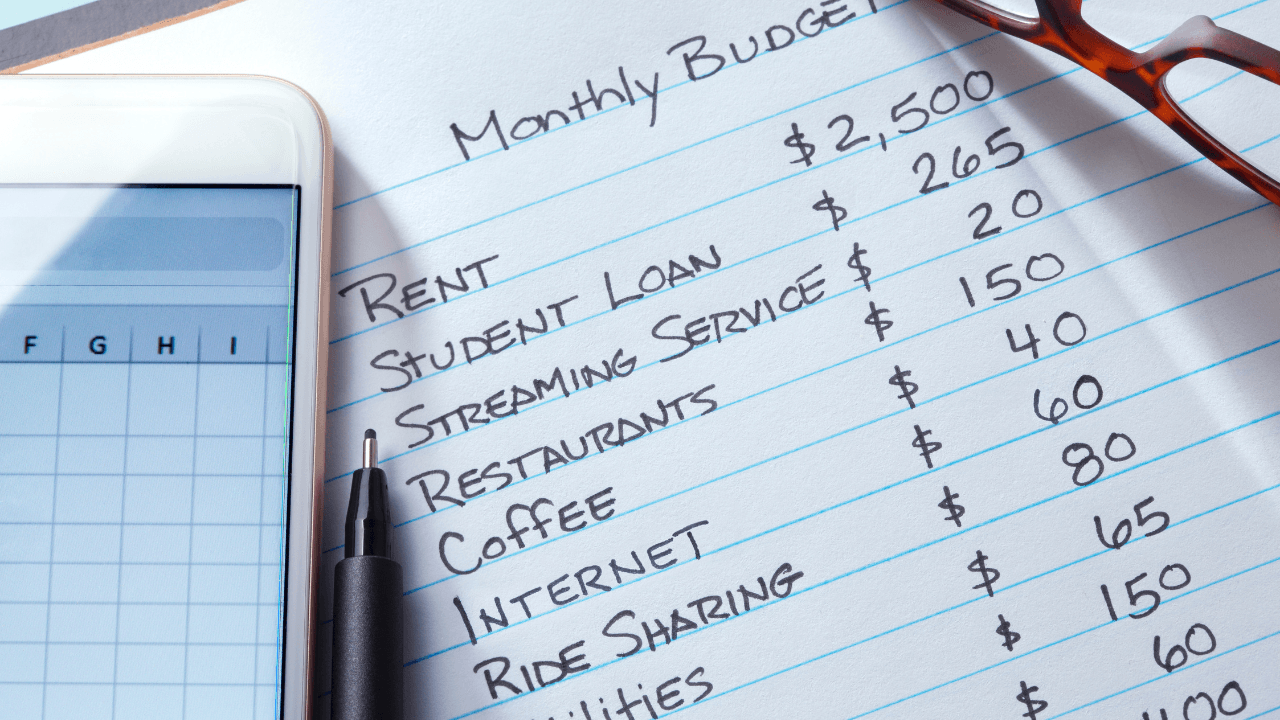
Track and improve your financial health with our Financial Tools! Automatically create a budget based on your spending habits and customize it as much as you want. After all, your budget should be exactly what you need it to be. You can also see analysis of your spending habits, plan the best way to pay your debts, manage your cash flow based on your monthly income and expenses and keep track of trends in your net worth.

Card Controls

Take control of your debit card with ease. Instantly turn your card on or off, set spending limits, and customize alerts — all from the Lake City Bank Digital app. Learn more about Card Controls.

Zelle®

Zelle® is a convenient way to send and receive money with friends, family and others you trust from the convenience of Lake City Bank Digital. Whether you’re splitting the cost of a meal, gift, or trip, Zelle® makes it easy to pay your share. Over 100 million people are enrolled with Zelle®, so you can send money to friends and family even if they don’t bank at Lake City Bank.*

Free — It’s free to send and receive money with Zelle® from Lake City Bank Digital.
Fast — Money goes straight into your account and is available to use in minutes.*
Private — All you need is an email address or U.S. mobile number. Your account information and activity stay private.

Start using Zelle®

  1. Log into Lake City Bank Digital.
  2. Select Send Money with Zelle® from the Transfers/Payments Menu.
  3. Enroll your U.S. mobile number or email address.
  4. You’re ready to start sending and receiving money with Zelle®.

Zelle® FAQ

*To send or receive money with Zelle®, both parties must have an eligible checking or savings account. Transactions between enrolled users typically occur in minutes.

Must be age 16 to use Zelle® at Lake City Bank. To send or receive money with Zelle®, both parties must have an eligible account. You can find the updated list of participating banks and credit unions with eligible accounts live with Zelle® at Zellepay.com.

Zelle® and the Zelle® related marks are wholly owned by Early Warning Services, LLC and are used herein under license.

Digital Banking FAQ

Meet Your Local Banker

We’d love to talk to you one-on-one.

Find a Branch Near You

Banking Tips & Insights

Practical Budgeting Methods That Actually Work

For many of us, creating a budget is the easy part. The hard part is sticking to a plan over the long term. Understanding your habits, strengths, and weaknesses can help you choose budgeting strategies that you’ll actually stick with.